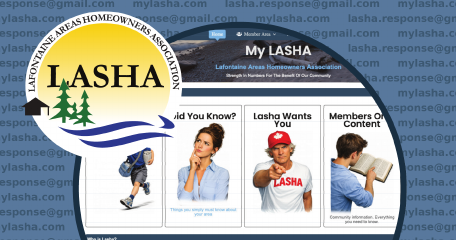
To access the member content area, each member will need to reset and create a new password.
It is important to create your own password, please click the Forgot Password link on the LASHA login page and enter your email address. You’ll receive an email with instructions to set your own secure password.
If you have any difficulty receiving the password reset email or logging in, please let us know and we’ll be happy to help.
Important notes
For privacy and security reasons, you must follow these instructions and set up a new password. The website software will not allow us to see any member’s password.
Please check your junk or spam email folder if you do not see the password reset email within a few minutes.
If the website does not recognize your email address, or if you no longer use the email address LASHA has on file, please contact LASHA at lasha.response@gmail.com so your member records can be checked or updated with your correct email address.