
Gentlemen, here is a simple guide how to create a Pulse “blog” post (April, 2026).
It’s easier to do it as a webpage than an email.
you log into the back end of the site as admin.
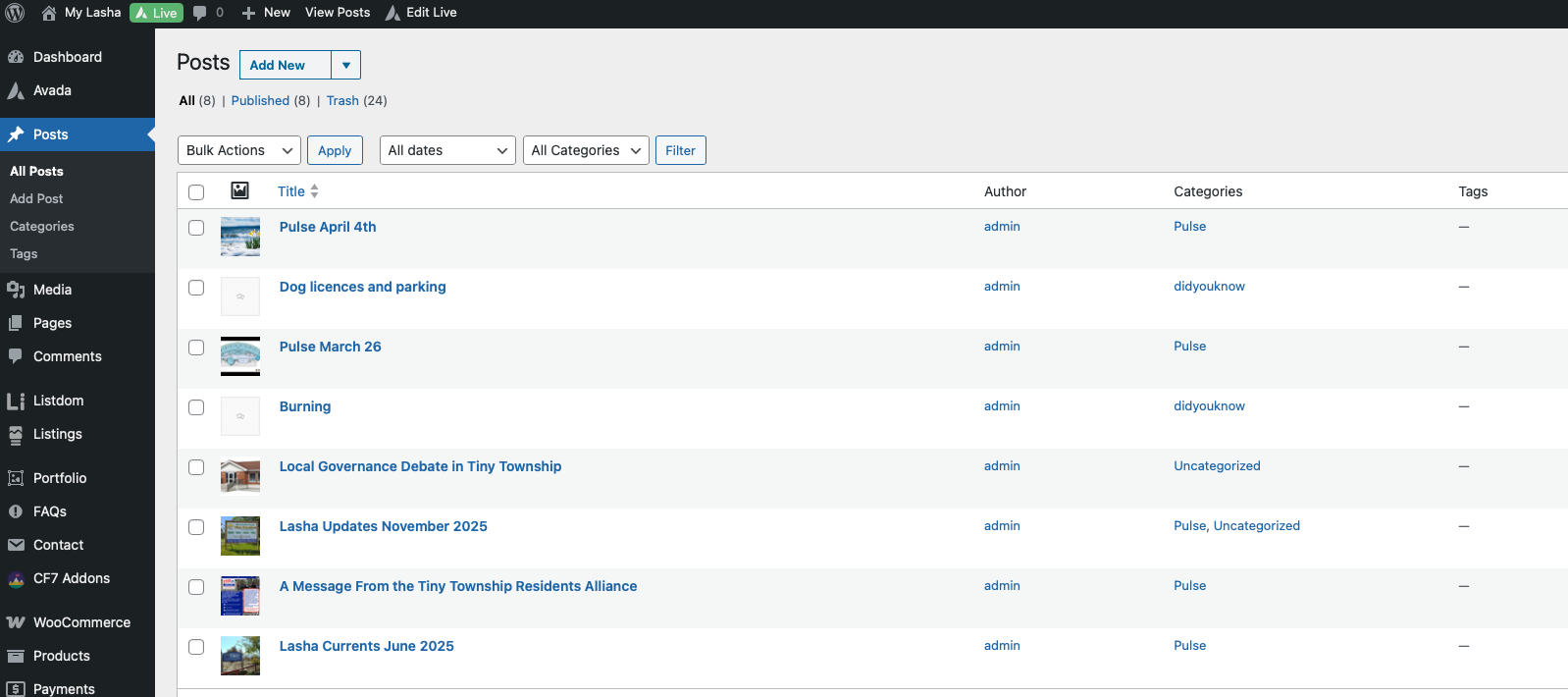
Select the last Pulse post (blog) and “clone” it.
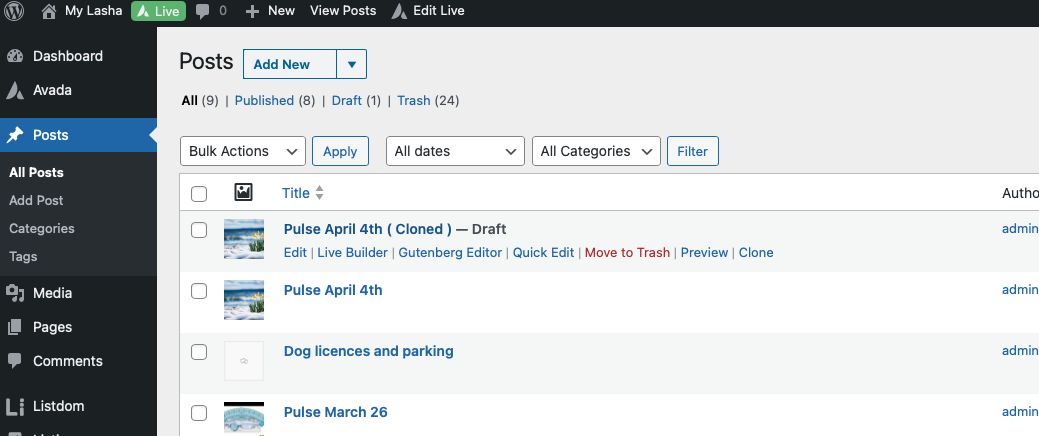
Then you open the cloned post and rename it to the latest, then “update” the post, then I suggest you open in whats called “live Builder” this is a wysiwyg interface. just replace the old content with the latest pulse. its exactly the same for the did you know posts too.
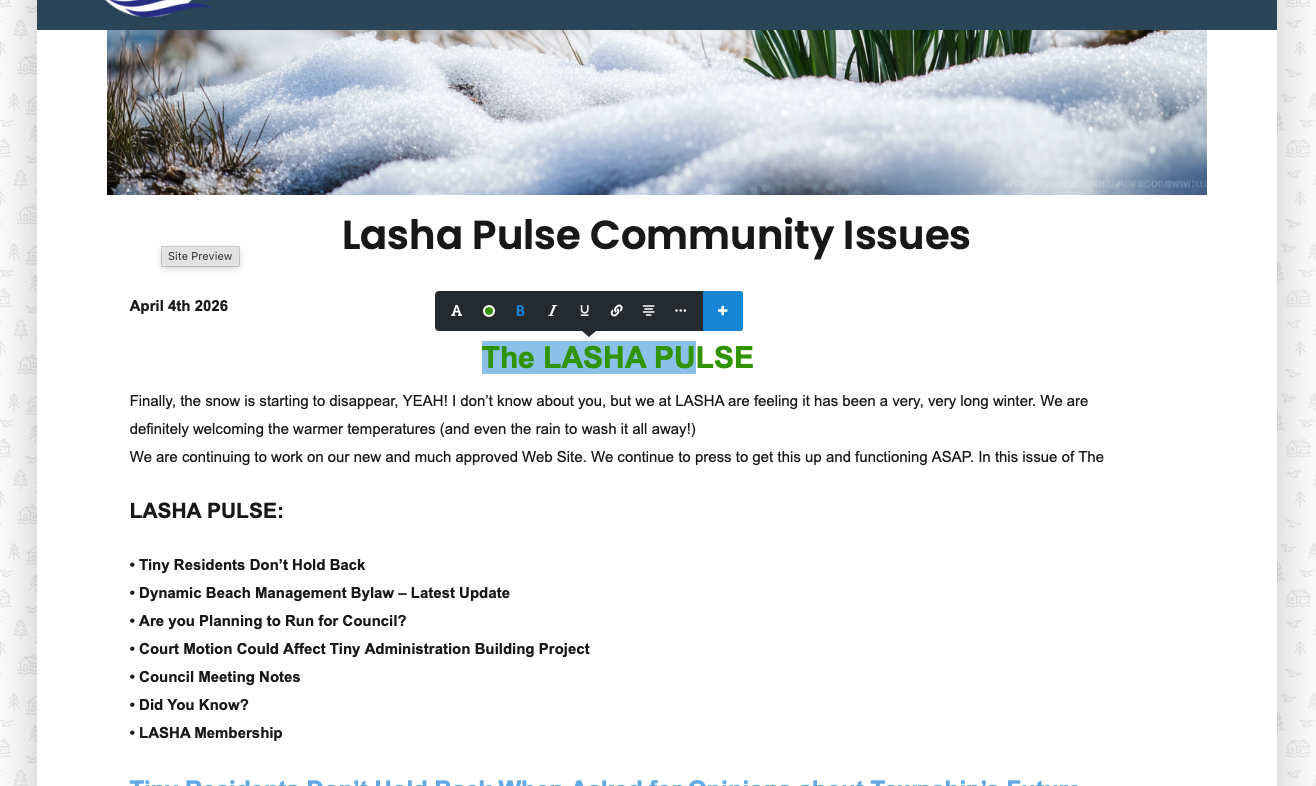
just hit save or update/publish and the post will automatically be placed at the top of the Pulse section and the rest moved down.
Don’t worry, i’m happy to fill in and or fix for the next while. in addition in the ultra unlikely event you do something critical, the site is backed up every day.